MFA Isn't Annoying, Getting Hacked Is
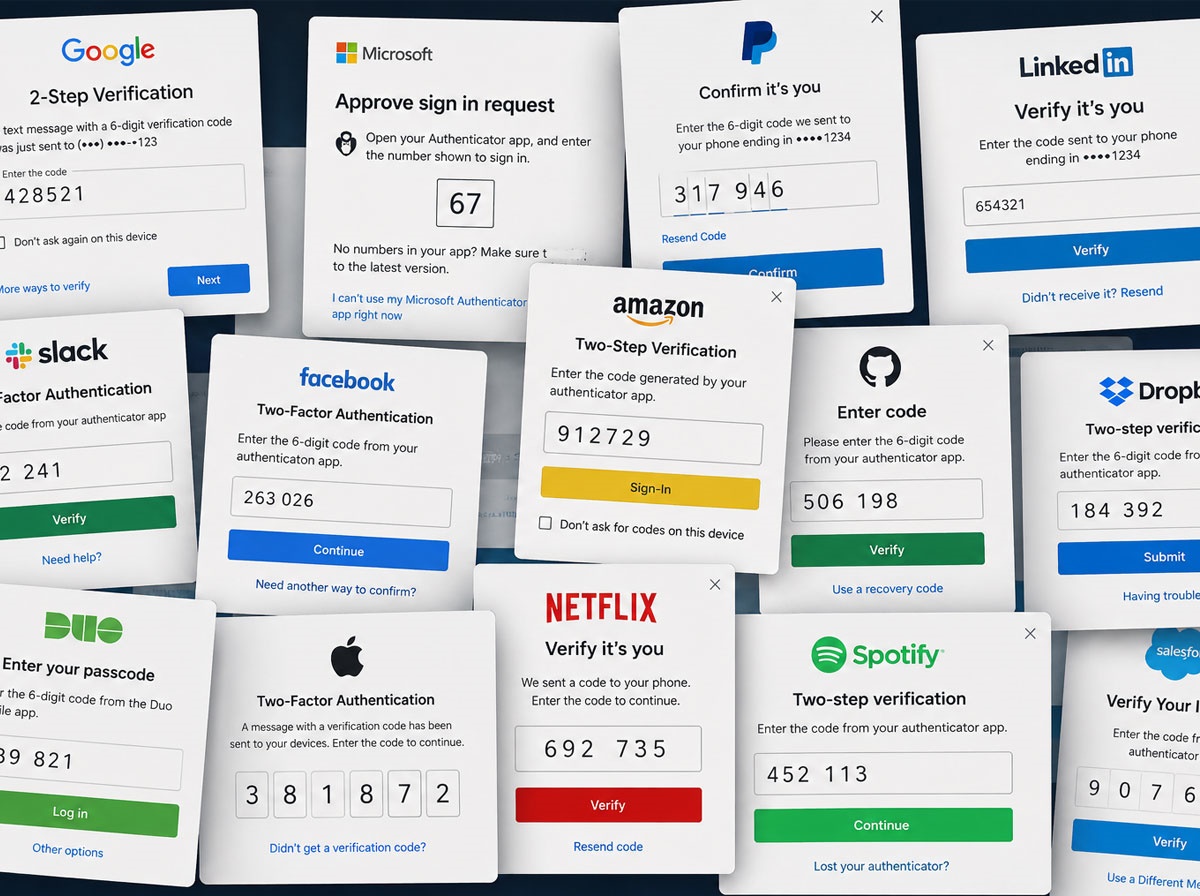
Let’s face it: cybersecurity sometimes feels like a hassle. Extra clicks, code prompts, and verification steps can slow you down, and it’s tempting to think, “Do I really need this?” The answer is yes. MFA, or Multi-Factor Authentication, is one of the simplest and most effective ways to stop hackers before they even get through the door. It may cost a little convenience, but the alternative, dealing with a hacked account or compromised data, is far more painful.
The Password Problem: It’s Worse Than You Think
Passwords are like the security guard who fell asleep on the job, they’re technically there, but they’re not doing much. In fact, weak, stolen, or reused passwords are involved in over 80% of all data breaches, meaning most breaches wouldn’t have happened if stronger identity controls were in place. That’s scary. But even scarier? Over 60% of organizations still don’t use MFA.
Why MFA Actually Matters
Think of MFA as a security checkpoint that doesn’t just ask for your password, it double-checks who you are. It looks at something you know, something you have, and sometimes something only you can provide, making it far harder for attackers to sneak in. Here’s the payoff:
- MFA blocks 99.9% of automated attacks
- Implementing MFA can reduce your risk of account compromise by over 99%
- MFA stops well over three-quarters of targeted phishing attacks
In other words, if attackers are trying to get in the front door with stolen passwords, MFA is often the lock they can’t pick.
Convenience vs. Security: A Tension We All Live With
Let’s be honest: security sometimes is at the cost of convenience. Every extra step feels like someone greased the doorknob and made it harder to turn. But because cyber threats evolve fast, and because attackers don’t care about your feelings, doing nothing isn’t an option.
“Security over convenience” isn’t a threat, it’s reality. Luckily, modern MFA solutions are smarter than a box of one-time codes, and they’re designed to protect with minimal friction.
All MFA Isn’t Created Equal
There’s a big difference between SMS-based MFA and authenticator app-based MFA. SMS codes are better than nothing, but not bulletproof. Attackers can use SIM swapping, social engineering, or interception to defeat text-based MFA.
Authenticator apps provide a much stronger second factor. They generate codes on your device or send push notifications, making it significantly harder for attackers to bypass.
The ugly truth is that SMS-only MFA isn’t enough in many environments, especially for organizations holding sensitive data or requiring stronger security.
Enter Duo MFA: Security That Plays Nicely With Real Life
At CompuTech, we recommend Duo MFA for most organizations, and yes, we can help you purchase and manage it, so you don’t have to worry about the implementation headaches. Why Duo?
- Seamless user experience — push notifications, biometric support, authenticator apps, all options your people can choose based on what works for them
- Broad compatibility — works across cloud apps, VPNs, Microsoft 365, remote access tools, and more
- Granular control — you decide which apps, users, and devices need what level of security
- Visibility and reporting — get the insights you need quickly and clearly to audit and defend your environment
Yes, Duo isn’t the only MFA solution out there, but it’s a strong, proven choice that balances ease of use with high-impact security.
What It Means for Your Organization
Many organizations assume they’re “too small” to get targeted. Spoiler alert: attackers don’t check company size before trying passwords. Your users access email, financial data, sensitive internal systems, and other critical tools every day. MFA protects all of it.
When you consider that more than half of organizations still haven’t fully deployed MFA across their systems, it’s a clear opportunity to get ahead of cyber risks and avoid a breach.
Bottom Line: Do Something Today
If your organization doesn’t have MFA enabled everywhere it should, you’re leaving an open door. The good news? It doesn’t have to be painful:
- Start with the basics — enforce MFA for email, VPN, cloud apps like Microsoft 365, and remote access
- Choose strong second factors — push notifications or authentication apps over SMS
- Get expert help — CompuTech can deploy, manage, and monitor Duo MFA for you
Because cybersecurity might be at the cost of a little inconvenience, but the cost of doing nothing is far higher.
Call CompuTech today to explore MFA options and make sure your organization stays one step ahead of hackers.