Password Management
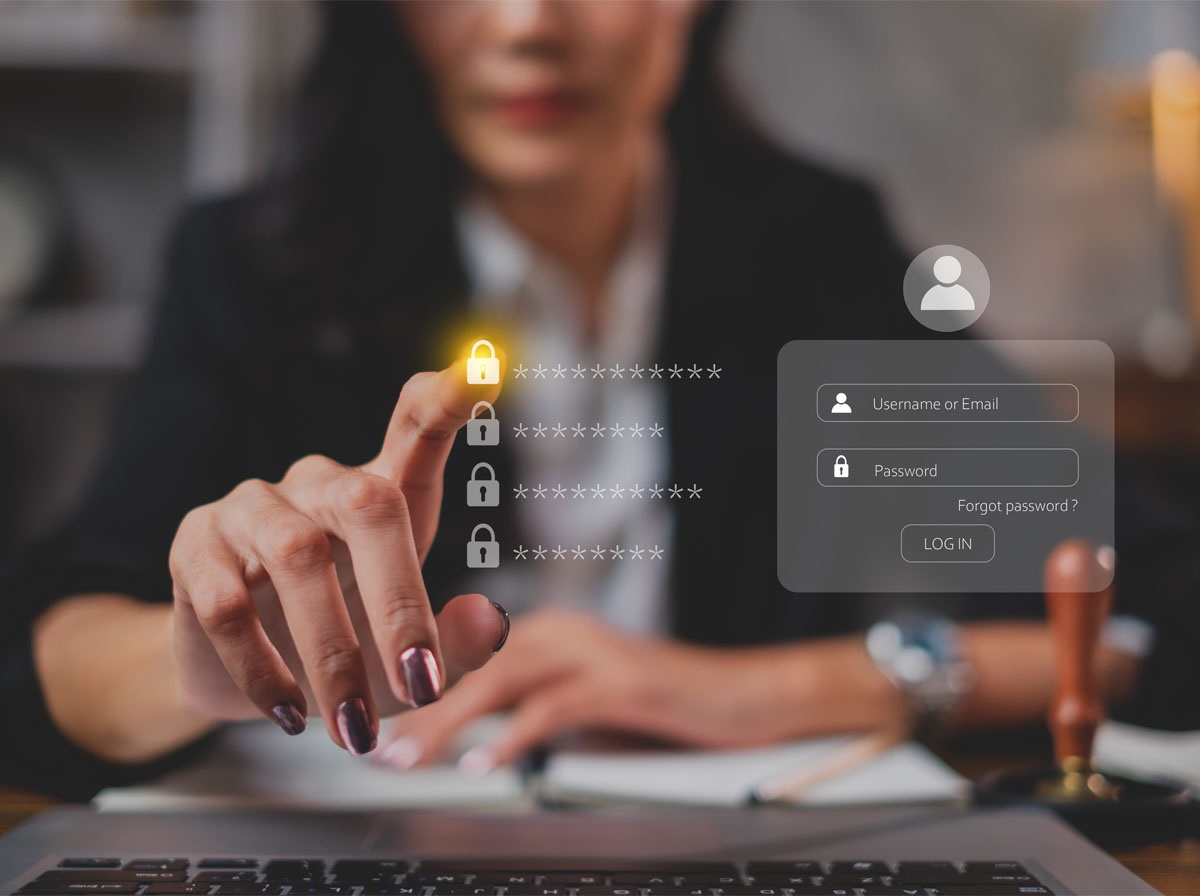
Let’s face it: passwords can be a pain. Remembering dozens of unique, complex passwords for every account is frustrating, and it’s tempting to take shortcuts. The problem is: weak or reused passwords are one of the leading causes of account compromise. Strong, unique passwords aren’t optional anymore, they’re essential. The good news is, managing them doesn’t have to be painful. With the right tools, you can protect your organization without giving everyone a headache. It may cost a little convenience, but the alternative, dealing with a hacked account or compromised data, is far more painful.
The Problem with Passwords
Passwords are everywhere. Email, cloud apps, VPNs, banking, and even internal tools. And yet, people often use the same password for multiple accounts or pick something simple like Password123, qwerty, or summer2026. Weak passwords make it easy for attackers to break in. In fact, studies show that over 80% of hacking-related breaches involve stolen or weak passwords.
Even changing passwords regularly isn’t always effective if you reuse or simplify them. That’s why password complexity matters—length, uppercase letters, numbers, symbols, and uniqueness exponentially increase strength against brute-force attacks. For example, adding just one extra character to a password can make it 10 times harder to crack.
Why Complexity Matters
Strong passwords are like locks with multiple tumblers. Every extra character, symbol, or uppercase letter makes it exponentially harder for attackers to pick. A password like BlueSky2026! is vastly more secure than bluesky. Add a few random numbers and symbols, and you’ve taken it to another level of protection. But keeping track of dozens of unique, complex passwords across all apps and systems is nearly impossible without help.
Enter the Password Manager
This is where password managers come in. Think of them as your personal password assistant. They generate, store, and autofill complex passwords so you don’t have to remember them all. No more sticky notes on monitors or spreadsheets labeled “passwords.” Everything is encrypted and accessible with one master password. Password managers make it easy to:
- Create strong, unique passwords for every account
- Update passwords quickly and efficiently
- Share credentials securely with authorized users
- Avoid the common habit of reusing passwords across apps
Fun Facts About Passwords:
- A 12-character password is roughly 200 trillion times harder to crack than an 8-character one
- Adding a single uppercase letter or number can increase the strength of your password exponentially
- Most people have dozens of accounts requiring passwords, making reuse one of the biggest security risks
- Hackers use tools that can test billions of password combinations per second, so complexity matters more than ever With a password manager, all this complexity becomes manageable, not frustrating.
Why Your Organization Needs One
Every user in your organization is a potential entry point for attackers. Even one weak password can compromise an entire system. Password managers reduce this risk by enforcing strong, unique credentials across the board and simplifying the process for users.
A password manager also supports secure password sharing, which means employees don’t have to email or text sensitive login info. Everything stays encrypted and centralized, minimizing the risk of accidental exposure.
CompuTech’s Managed LastPass Solution
At CompuTech, we provide Password Manager: LastPass for organizations of all sizes. We handle deployment, monitoring, and support, making password management easy for your team.
With our managed password service, your organization gets:
- Secure password storage and generation, no more weak or reused passwords
- Centralized management, so IT can monitor compliance and access
- Seamless user experience, passwords autofill securely across devices
- Policy enforcement, ensuring all users follow best practices
Managed LastPass makes password management practical and powerful without putting the burden on individual users.
Best Practices for Password Security
Even with a password manager, there are a few steps every organization should take:
- Enable multi-factor authentication wherever possible
- Use long, unique, complex passwords for all accounts
- Regularly review and update credentials, especially for critical systems
- Educate users on phishing and social engineering risks
The Bottom Line: Make It Simple, Make It Strong
Passwords are the front line of your organization’s security. Weak passwords are an invitation for trouble, but strong, unique credentials are a manageable and effective defense. A password manager turns security from a headache into a habit, making it easy for your team to stay safe without slowing them down.
Take Action Today
Don’t wait for a breach to force change. Call CompuTech today to explore managed LastPass options and make sure your organization stays one step ahead of hackers.